Total Expert & Homebot Growth Strategies
 Total Expert Tags: Interest Rate, Grow Time May 2025
 Total Expert Tags: Interest Rate, Grow Time June 2025
.png?width=1000&height=1202&name=_March%20growtime%20(10).png "_March growtime (10)")
Post Date: March 4
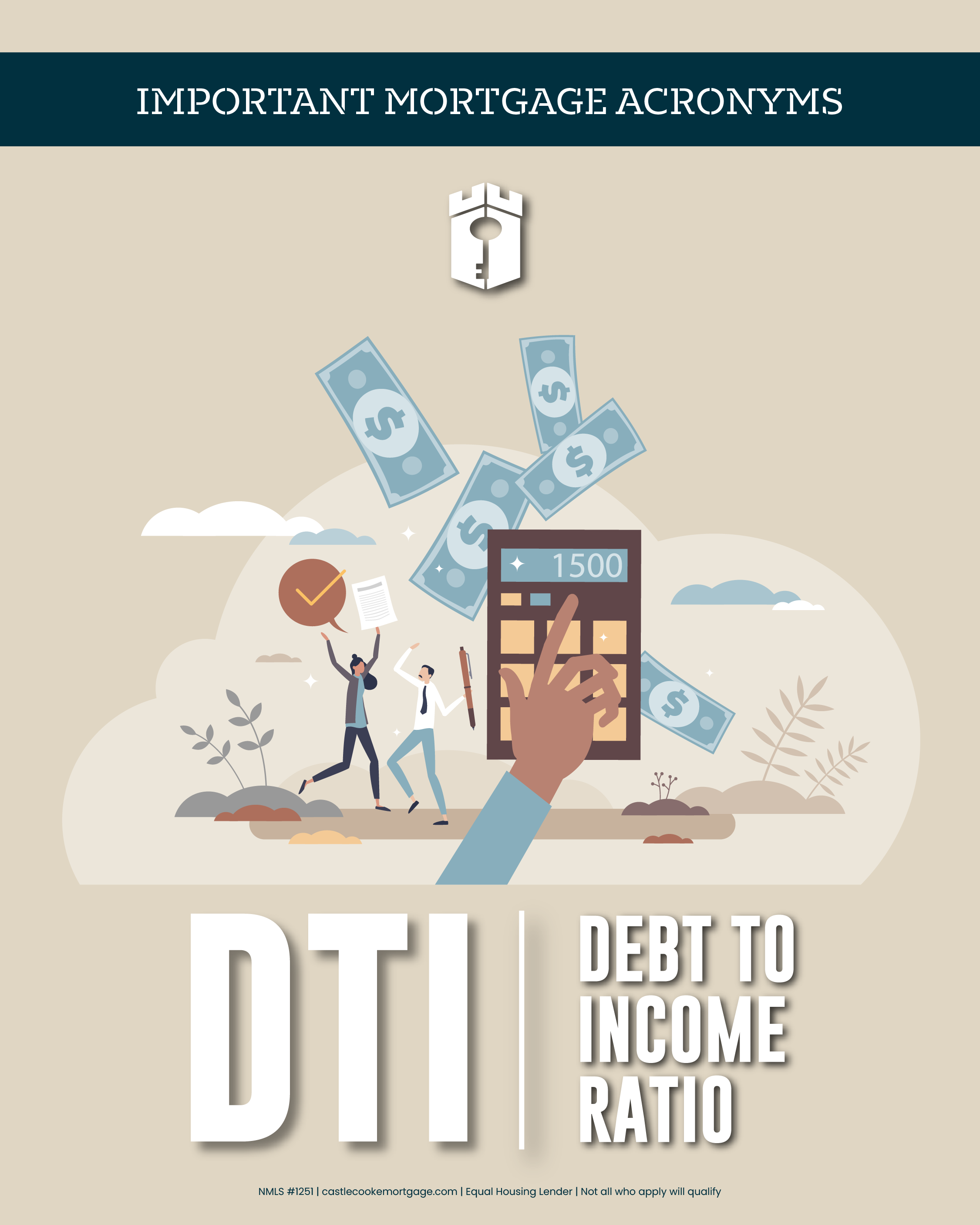
Mortgage Acronyms - DTI
Caption:
Mortgage Acronyms - DTI
Caption:
Your Debt-to-Income (DTI) ratio compares your monthly debt payments to your monthly income. It helps show how comfortably a new home payment could fit into your overall budget.
Curious where you stand? Contact me today so we can calculate your DTI together and explore next steps.
Post Date: March 5
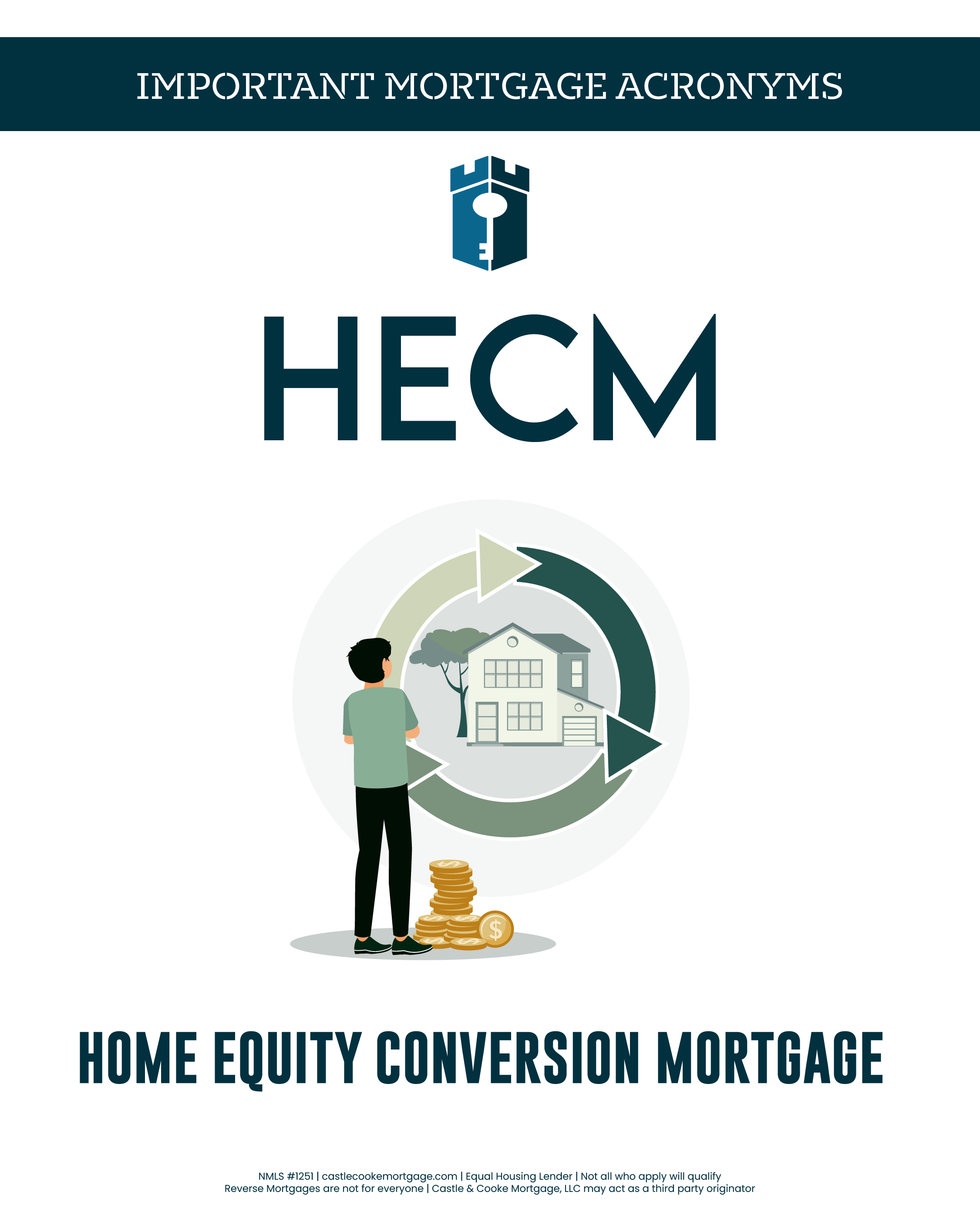
Mortgage Acronyms - HECM
Caption:
Mortgage Acronyms - HECM
Caption:
What the heck is HECM?
A HECM (Home Equity Conversion Mortgage) is a federally insured reverse mortgage designed for homeowners age 62 and older. It allows eligible homeowners to convert a portion of their home equity into funds without making monthly mortgage (principal and interest) payments, while continuing to live in the home. The loan is typically repaid when the home is sold, the borrower moves out, or the home is no longer the primary residence.
Wondering if a HECM or a reverse mortgage could support your retirement goals or cash flow needs? Click or tap below to learn more: https://www.castlecookemortgage.com/reverse-mortgages
Post Date: March 6
Mortgage Acronyms - LTV
Caption:
Mortgage Acronyms - LTV
Caption:
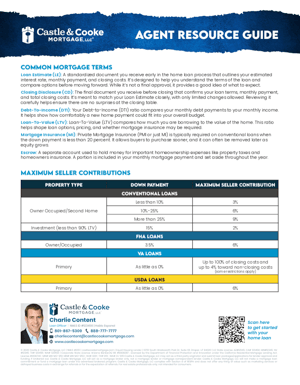
Loan-To-Value (LTV) compares how much you are borrowing to the value of the home. This ratio helps shape loan options, pricing, and whether mortgage insurance may be required.
Check out our monthly payment calculator to see how your down payment could affect your loan terms: https://www.castlecookemortgage.com/monthly-payment-calculator
Post Date: March 7
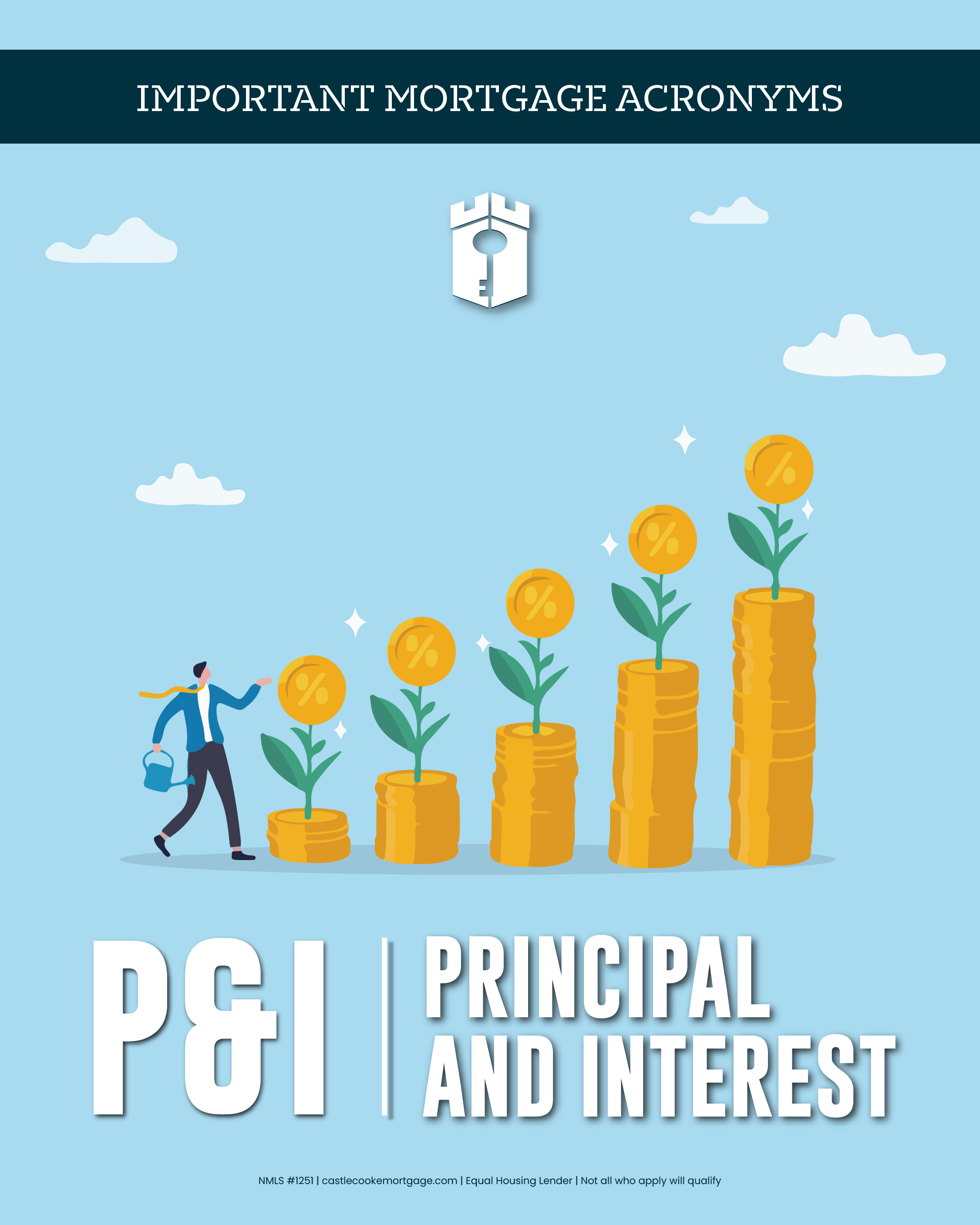
Mortgage Acronyms - P&I
Caption:
Mortgage Acronyms - P&I
Caption:
Principal & Interest (P&I) are the core parts of your mortgage payment. Principal reduces what you owe, while interest is the cost of borrowing the money. Together, they form the foundation of your loan. This doesn't include taxes and insurance however (more on that tomorrow).
Want to see how your payment changes over time? Contact me today and we can go over everything together
Post Date: March 8
Mortgage Acronyms - PITI
.png)
Caption:
Mortgage Acronyms - PITI
Caption:
Yesterday we talked about P&I which is a portion of Principal, Interest, Taxes & Insurance. PITI represents your full monthly mortgage payment, including taxes and insurance, not just the loan itself. Looking at the full picture helps avoid surprises and plan more confidently.
Want a clear idea of what goes into your total monthly payment? Check out this page to learn more: https://www.castlecookemortgage.com/blog/whats-included-in-your-monthly-mortgage-payment
Post Date: March 9
Mortgage Acronyms - PMI

Caption:
Mortgage Acronyms - PMI
Caption:
Private Mortgage Insurance (PMI or just MI) is typically required on conventional loans when the down payment is less than 20 percent. It allows buyers to purchase sooner, and it can often be removed later as equity grows. We put together a solid guide all about mortgage insurance - check it out here: https://www.castlecookemortgage.com/blog/what-is-mortgage-insurance
Post Date: March 10
Mortgage Acronyms - DSCR
Caption:
Mortgage Acronyms - DSCR
Caption:
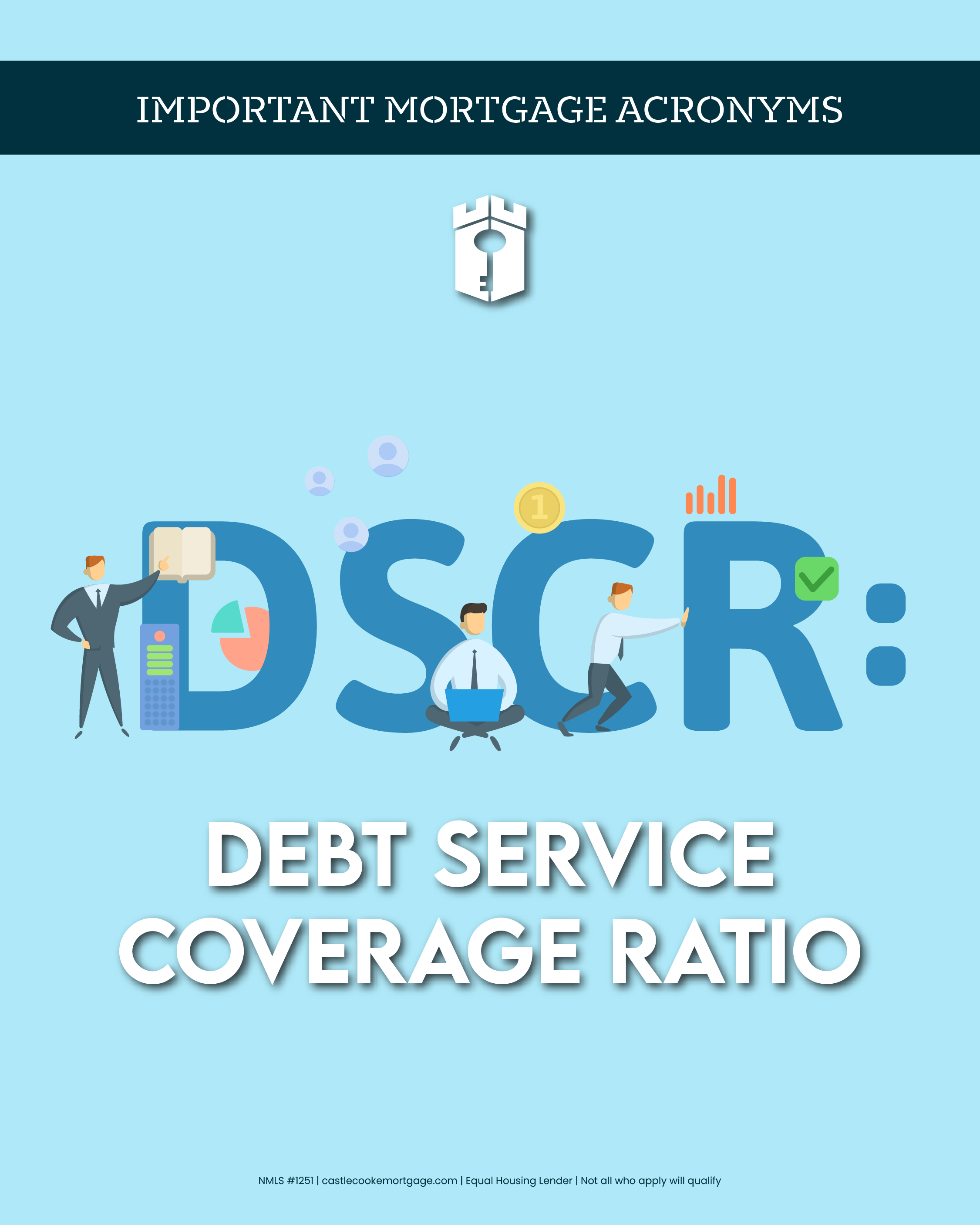
DSCR (Debt Service Coverage Ratio) loans are designed for real estate investors and focus on the property’s cash flow, not the borrower’s personal income. Instead of reviewing tax returns or pay stubs, this loan looks at whether the rental income from the property can reasonably cover the monthly mortgage payment. If the numbers work, the loan may work. Learn more about Investor Loans here: https://www.castlecookemortgage.com/investor-loans
Post Date: March 11
Mortgage Acronyms - LE
Caption:
Mortgage Acronyms - LE
Caption:
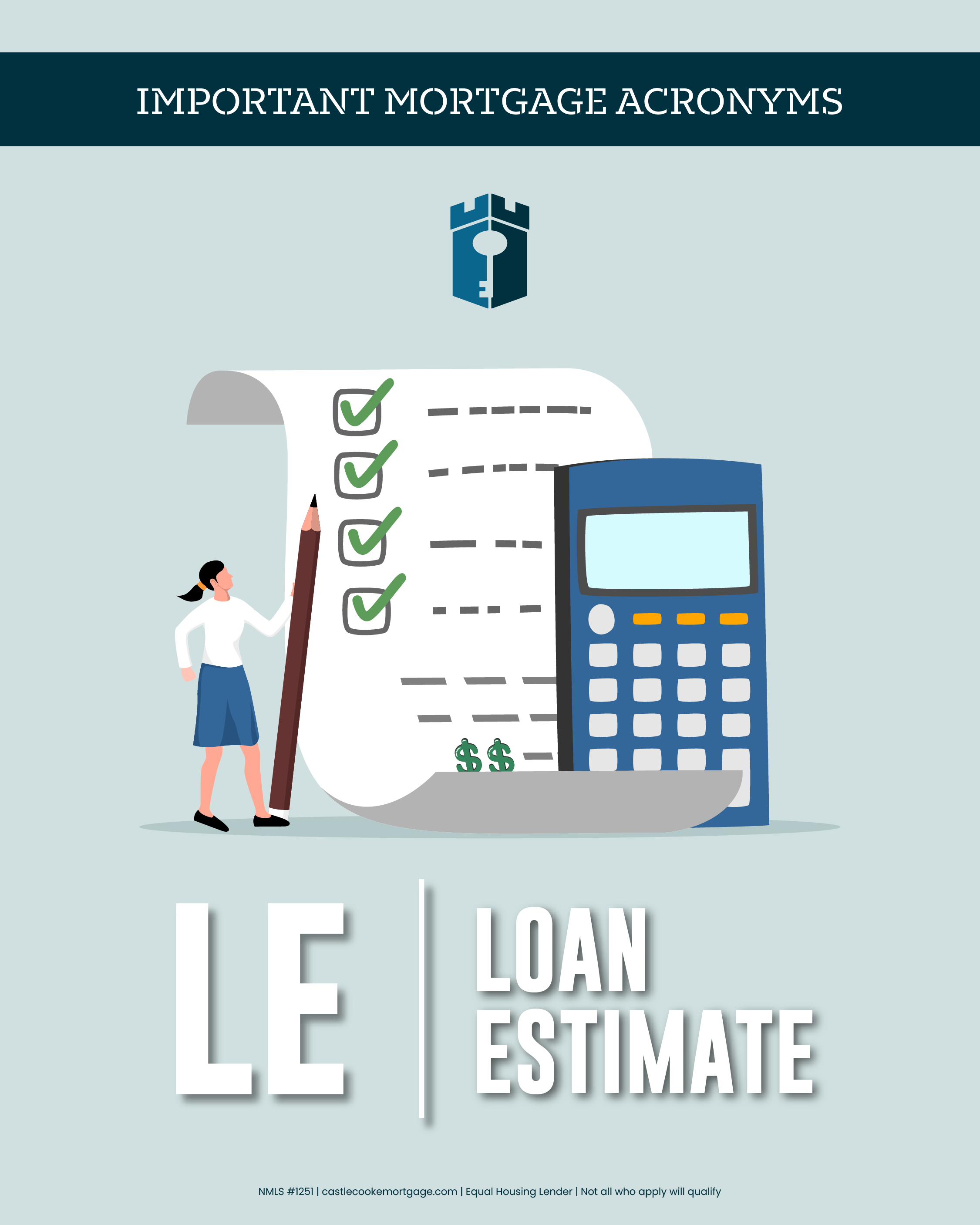
A Loan Estimate (LE) is a standardized document you receive early in the home loan process that outlines your estimated interest rate, monthly payment, and closing costs. It's designed to help you understand the terms of the loan and compare options before moving forward. While it's not a final approval, it provides a good idea of what to expect.
Have questions about Loan Estimates or want help reviewing one? I can help walk through any competitor's LE with you and explain everything, and even see if we can give you better terms.
Post Date: March 12
Mortgage Acronyms - CD
Caption:
Mortgage Acronyms - CD
Caption:
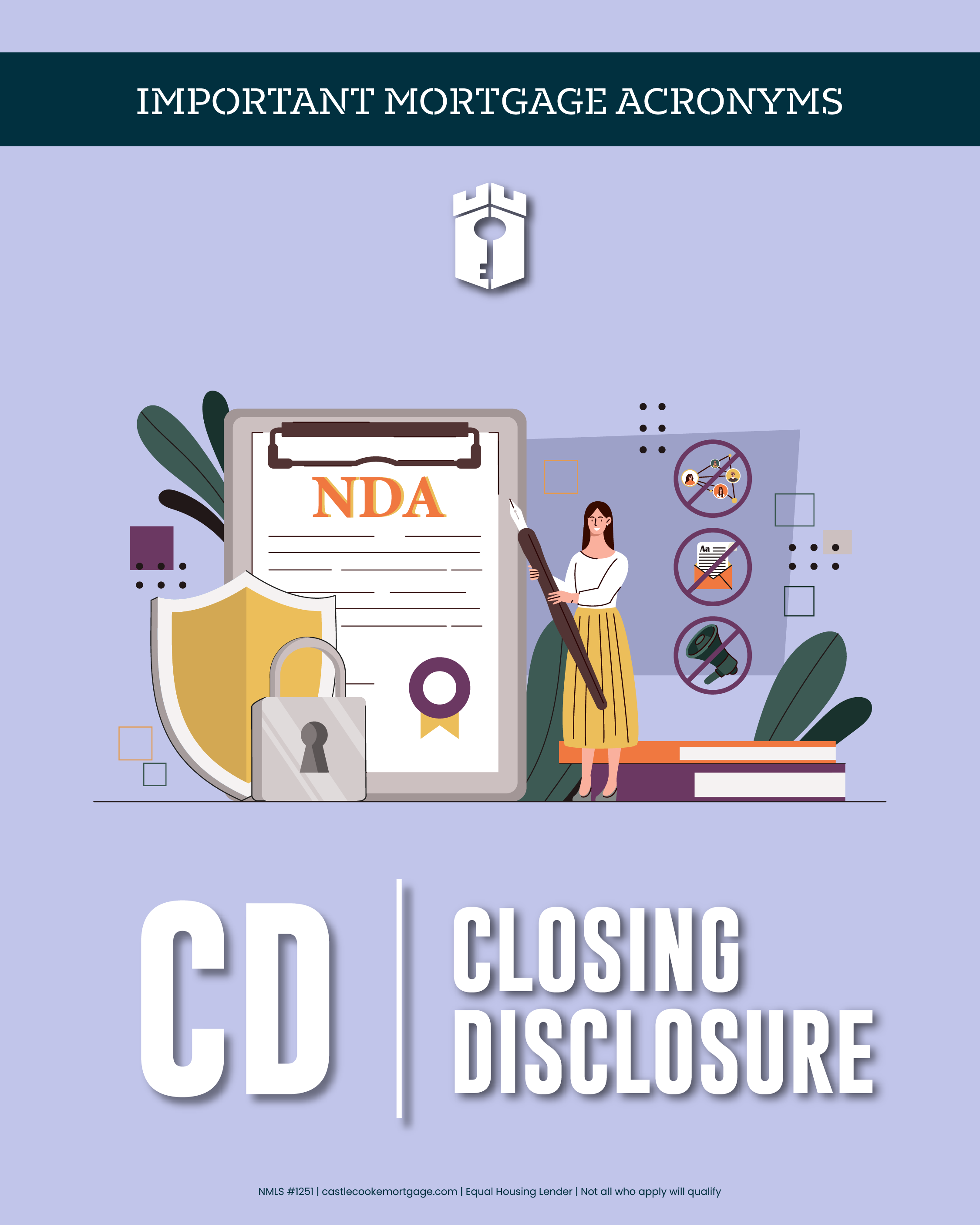
Think of it this way... a Loan Estimate (LE) comes first, and a Closing Disclosure (CD) comes last. It's the final document you receive before closing that confirms your loan terms, monthly payment, and total closing costs. It's meant to match your Loan Estimate closely, with only limited changes allowed. Reviewing it carefully helps ensure there are no surprises at the closing table.
The Closing Disclosure is the final check, not the first look. Reviewing Loan Estimates early is where smart decisions are made. As I said yesterday, if you have another lender's LE and want me to take a look, reach out today so we can compare the numbers.
Post Date: March 13
Can I Qualify With Just Bank Statements?

Caption:
Can I Qualify With Just Bank Statements?
Caption:
Yes, in some cases you can qualify using bank statements instead of traditional tax returns. Bank Statement loans are designed for self-employed borrowers, business owners, and entrepreneurs whose income does not always show up clearly on a W-2. Rather than focusing on adjusted gross income, this option looks at cash flow over time to help determine affordability.
If your tax returns do not tell the full story of what you earn, this could be a more realistic path to homeownership or refinancing. Learn how Bank Statement loans work and see if this option may fit your situation: https://www.castlecookemortgage.com/bank-statements
Post Date: March 14
Your Home Equity Could Be the Light at the End of the Tunnel

Caption:
Your Home Equity Could Be the Light at the End of the Tunnel
Caption:
If you find yourself overwhelmed by high-interest debt and are searching for solutions, there may be a way to ease your burden. By leveraging the potential equity in your home, you could reduce your debt and streamline your monthly expenses by incorporating them into your mortgage payment. Let's get started by exploring your home's estimated value. Click the link to find out today!
Post Date: March 15
Home Values Are Finally Balancing Out

Caption:
Home Values Are Finally Balancing Out
Caption:
After years of wild price spikes, home values are finally moving into a more balanced rhythm. Nationwide price growth has slowed to historically soft levels, giving both buyers and homeowners clearer market signals instead of uncertainty.
Curious how these shifts affect your home’s potential equity? See where you stand with this really cool Home Equity Reporting tool
Curious how these shifts affect your home’s potential equity? See where you stand with this really cool Home Equity Reporting tool
Post Date: March 16
Home Inventory Is High + Prices Are Cooling

Caption:
Home Inventory Is High + Prices Are Cooling
Caption:
Some great news (and relief!) for home shoppers.
Active listings are up year-over-year while prices are falling, giving buyers more time and leverage in negotiations. That could mean less stress and potentially better deals.
Tap into opportunity with this awesome home shopping tool to help find your next home now!
Active listings are up year-over-year while prices are falling, giving buyers more time and leverage in negotiations. That could mean less stress and potentially better deals.
Tap into opportunity with this awesome home shopping tool to help find your next home now!
Post Date: March 17
St. Patrick's Day

Caption:
St. Patrick's Day
Caption:
You don't need any luck to get a home loan. You just need to be well-informed, prepared, and have an experienced loan officer like me in your corner. Sláinte!
Post Date: March 18
Blog Post - What Are The Benefits of Homeownership?

Caption:
Blog Post - What Are The Benefits of Homeownership?
Caption:
Thinking about buying a home but not sure if it’s worth it? Discover how owning a home can help you build wealth, lock in predictable monthly costs, boost your credit, and even improve your quality of life. Read more here: https://www.castlecookemortgage.com/blog/the-benefits-of-home-ownership
Post Date: March 19
Blog Post - How Can I Refinance To Pay Down Debt
Caption:
Blog Post - How Can I Refinance To Pay Down Debt
Caption:
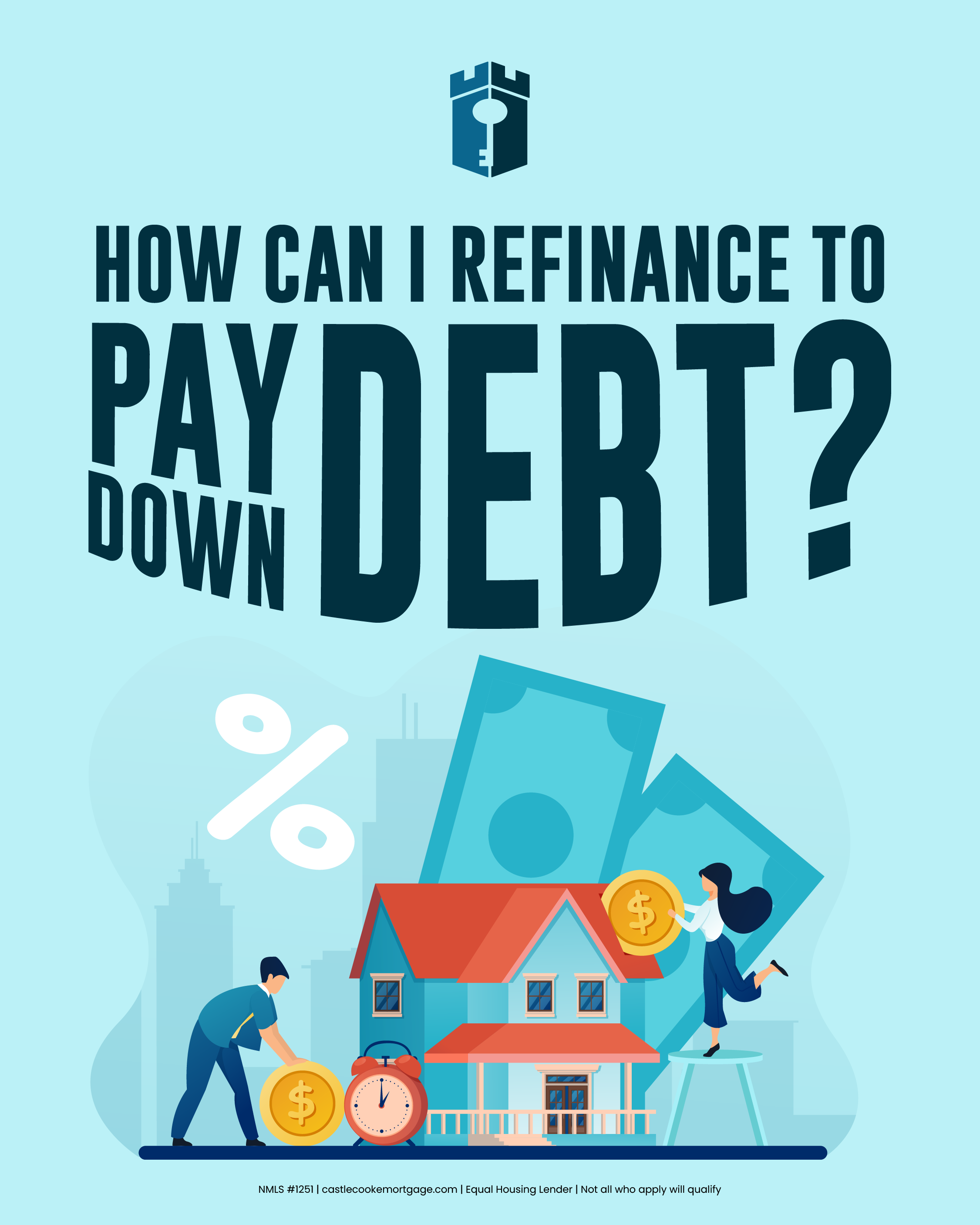
Struggling with high-interest credit cards or other debt? Learn how you might be able to tap your home’s equity through a refinance to consolidate what you owe, lower your interest costs, and simplify your monthly payments. Click to see if this strategy could work for you: https://www.castlecookemortgage.com/blog/how-to-refinance-to-pay-off-debt
Post Date: March 20
Blog Post - How Can I Improve My Credit Score?

Caption:
Blog Post - How Can I Improve My Credit Score?
Caption:
Your credit score impacts more than you think.
If you’re planning to buy a home, refinance, or even just improve your financial position, your credit score plays a major role in the rates and options available to you. The good news? There are practical, realistic steps you can take to strengthen it.
Read the full guide to learn how to improve your credit score and put yourself in a stronger position for your next move. https://www.castlecookemortgage.com/blog/how-to-gamify-your-credit-score
If you’re planning to buy a home, refinance, or even just improve your financial position, your credit score plays a major role in the rates and options available to you. The good news? There are practical, realistic steps you can take to strengthen it.
Read the full guide to learn how to improve your credit score and put yourself in a stronger position for your next move. https://www.castlecookemortgage.com/blog/how-to-gamify-your-credit-score
Post Date: March 21
Blog Post - Downpayment Assistance - What Are My Options?

Caption:
Blog Post - Downpayment Assistance - What Are My Options?
Caption:
Think you need a big down payment to buy a home? Learn about programs that could help you cover the money you need for a down payment and even closing costs, including grants, loans, and local/state options that make homeownership more attainable. Click to learn what options you may qualify for: https://www.castlecookemortgage.com/blog/down-payment-assistance-what-are-my-options
Post Date: March 22
What's Up With Housing Prices? Introduction

Caption:
What's Up With Housing Prices? Introduction
Caption:
Home prices can feel unpredictable and confusing, but they’re driven by real factors you can understand. This week we’re breaking down what actually impacts home values so you can shop smarter and plan with confidence. Stay tuned for a new insight daily.
Post Date: March 23
What's Up With Housing Prices? Market Forces

Caption:
What's Up With Housing Prices? Market Forces
Caption:
Ever wonder why home prices keep moving the way they do? It starts with broad market forces like supply and demand and how much competition exists in a given area. This blog breaks down the market forces and economic factors that shape housing prices: https://www.castlecookemortgage.com/blog/how-home-prices-are-determined-macro-factors
Post Date: March 24
What's Up With Housing Prices? The Home Itself

Caption:
What's Up With Housing Prices? The Home Itself
Caption:
Not all homes are priced equally. Features like square footage, number of rooms, lot size and condition all play into what buyers are willing to pay. Read on to see how the details of a home affect its value. https://www.castlecookemortgage.com/blog/home-prices-explained-the-home-itself
Post Date: March 25
What's Up With Housing Prices? Location

Caption:
What's Up With Housing Prices? Location
Caption:
Location isn’t just a cliché — it’s one of the biggest drivers of home prices. From walkability and commute times to schools and neighborhood appeal, this blog explains why where a home sits matters so much. https://www.castlecookemortgage.com/blog/home-prices-explained-location-matters
Post Date: March 26
What's Up With Housing Prices? Supply

Caption:
What's Up With Housing Prices? Supply
Caption:
Why are home prices rising or staying high in many areas? One big reason is limited supply — how much land is available, how fast new homes are built, and how many existing homes are on the market. Explore these supply factors here. https://www.castlecookemortgage.com/blog/home-prices-explained-supply
Post Date: March 27
What's Up With Housing Prices? Demand
Caption:
What's Up With Housing Prices? Demand
Caption:
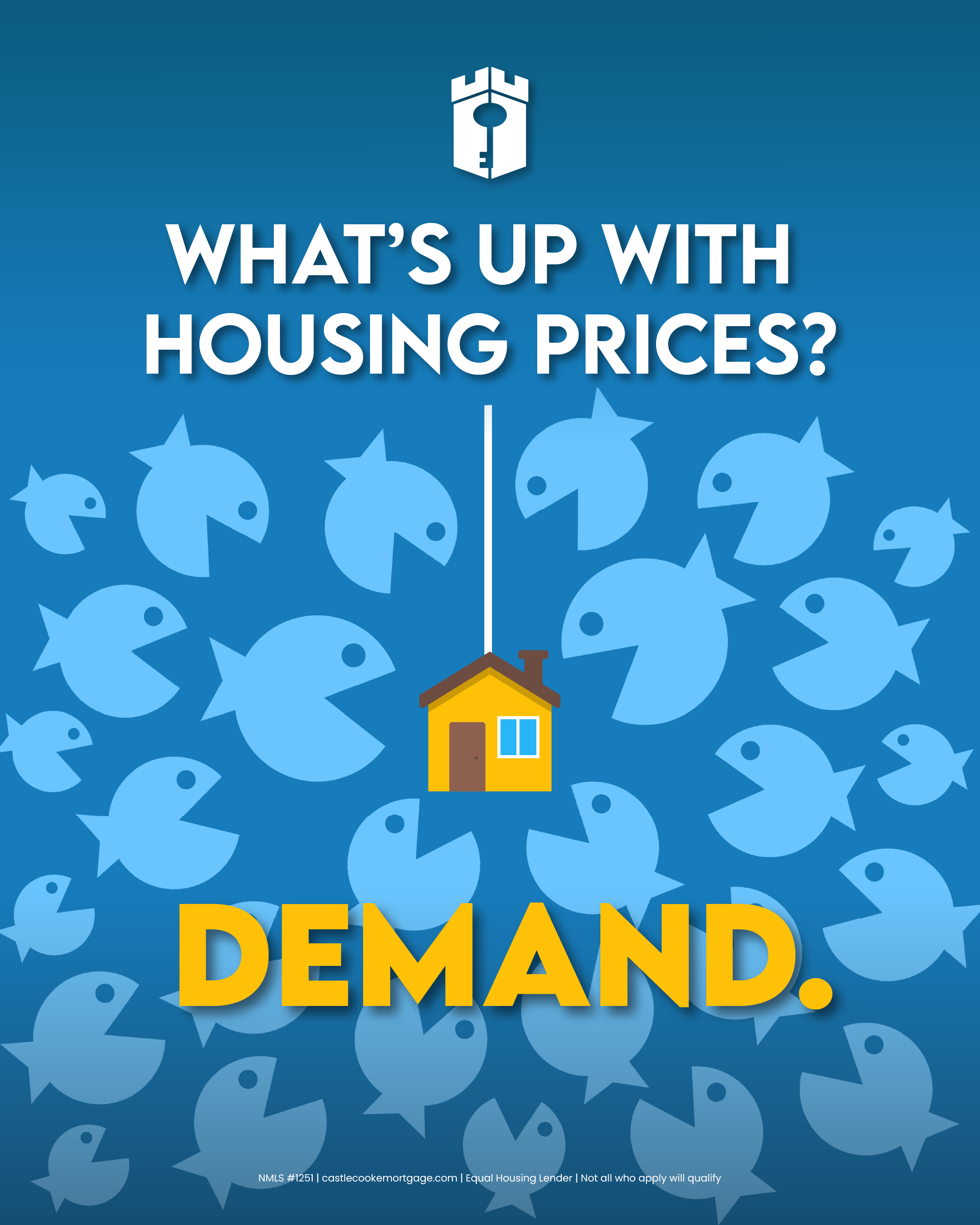
High demand for homes pushes prices up, and many things drive that demand — from population growth to the desire for homeownership as an investment. This article breaks down the key forces that influence buyer interest. https://www.castlecookemortgage.com/blog/home-prices-explained-demand
Post Date: March 28
What's Up With Housing Prices? Invest In Your Future

Caption:
What's Up With Housing Prices? Invest In Your Future
Caption:
Homeownership can be more than shelter — it can be an investment. In the final installment of this series, learn why buying a home can be a smart long-term financial move and what that means for you. https://www.castlecookemortgage.com/blog/home-prices-explained-invest-in-your-future
Post Date: March 29
Blog Post - How Do Mortgage Rates Work?
.png)
Caption:
Blog Post - How Do Mortgage Rates Work?
Caption:
Mortgage rates affect your buying power, your monthly payment, and your long-term financial plan.
But do you really understand how they’re determined?
This post breaks down what mortgage rates are, what influences them, and how they impact the cost of your loan. Whether you’re buying now or planning for later, understanding rates gives you confidence and control. Click to learn how mortgage rates really work and what they mean for your home financing: https://www.castlecookemortgage.com/blog/how-mortgage-rates-work
But do you really understand how they’re determined?
This post breaks down what mortgage rates are, what influences them, and how they impact the cost of your loan. Whether you’re buying now or planning for later, understanding rates gives you confidence and control. Click to learn how mortgage rates really work and what they mean for your home financing: https://www.castlecookemortgage.com/blog/how-mortgage-rates-work
Post Date: March 30
Blog Post - How Can I Improve My Mortgage Rate?

Caption:
Blog Post - How Can I Improve My Mortgage Rate?
Caption:
Yesterday we talked about how mortgage rates work. Today, we want to show you some steps you can take to improve your rate, even before you apply for a home loan!
From boosting your credit score and building more savings, to choosing the right property and loan program, this guide breaks down the practical ways to position yourself for a stronger rate.
Click to learn how to improve your mortgage rate and potentially save thousands over the life of your loan: https://www.castlecookemortgage.com/blog/how-can-i-improve-my-mortgage-rate
From boosting your credit score and building more savings, to choosing the right property and loan program, this guide breaks down the practical ways to position yourself for a stronger rate.
Click to learn how to improve your mortgage rate and potentially save thousands over the life of your loan: https://www.castlecookemortgage.com/blog/how-can-i-improve-my-mortgage-rate
Post Date: March 31
Blog Post - How Can I Be In The Best Possible Buying Situation?

Caption:
Blog Post - How Can I Be In The Best Possible Buying Situation?
Caption:
You now know how mortgage rates work and what you can do to improve your rate.
But understanding rates is only one piece of the puzzle.
Being in the best possible buying position means combining strong rates with smart timing, a solid financial profile, and the right strategy when you make an offer. This post breaks down the steps you can take to stand out as a buyer and make your next offer count.
Click to learn how to position yourself for success in a competitive market: https://www.castlecookemortgage.com/blog/how-to-be-in-the-best-possible-buying-position
But understanding rates is only one piece of the puzzle.
Being in the best possible buying position means combining strong rates with smart timing, a solid financial profile, and the right strategy when you make an offer. This post breaks down the steps you can take to stand out as a buyer and make your next offer count.
Click to learn how to position yourself for success in a competitive market: https://www.castlecookemortgage.com/blog/how-to-be-in-the-best-possible-buying-position
Post Date: April 1
April Fool's Day - TreeLOC

Caption:
April Fool's Day - TreeLOC
Caption:
We all know what HELOCs are, but have you ever heard of a TREELOC? Castle & Cooke Mortgage is proud to be the first lender to introduce this special line of credit to finance Treehouses! Whether you want an above ground sanctuary for the kids, or to hide out from your mother-in-law, our exclusive TREELOC program can make your dreams come true.
Weekly Rate Update - 3.26.26
Caption:
Caption:
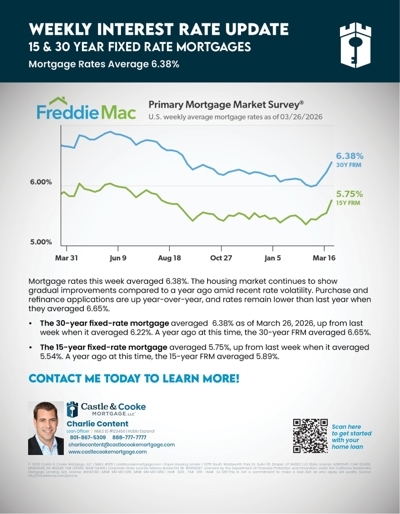
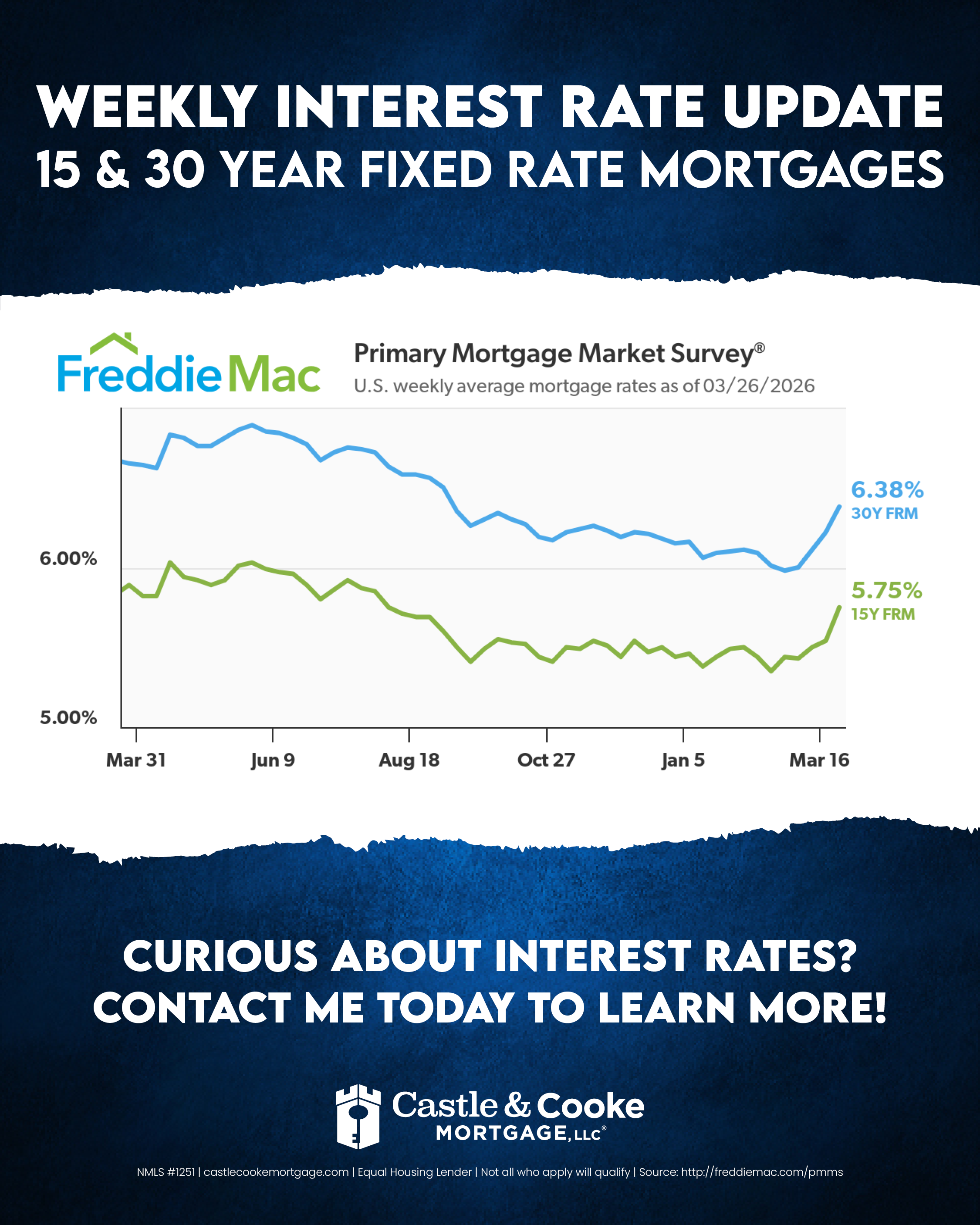
Mortgage rates this week averaged 6.38%. The housing market continues to show gradual improvements compared to a year ago amid recent rate volatility. Purchase and refinance applications are up year-over-year, and rates remain lower than last year when they averaged 6.65%.
The 30-year fixed-rate mortgage averaged 6.38% as of March 26, 2026, up from last week when it averaged 6.22%. A year ago at this time, the 30-year FRM averaged 6.65%.
The 15-year fixed-rate mortgage averaged 5.75%, up from last week when it averaged 5.54%. A year ago at this time, the 15-year FRM averaged 5.89%.
The 30-year fixed-rate mortgage averaged 6.38% as of March 26, 2026, up from last week when it averaged 6.22%. A year ago at this time, the 30-year FRM averaged 6.65%.
The 15-year fixed-rate mortgage averaged 5.75%, up from last week when it averaged 5.54%. A year ago at this time, the 15-year FRM averaged 5.89%.
Weekly Rate Update - 3.26.26 (Email)
Weekly Rate Update - 3.26.26 (Flyer)